
Introduction
Feeling overwhelmed by the number of applications you have to manage? Want to find an effective solution? You're in the right place!
Introducing QuadraBay's corporate account service! The perfect solution for businesses to manage all their verification applications in one place. You'll be able to take advantage of features like:
1. Submitting and Tracking Multiple Applications with Ease
2. Dedicated Account Manager Support
3. Statistical Tracking Application Dashboard
4. 24/7 Access to Application Status
5. Centralized Application Processing
Let's dive into the step-by-step process of creating your very own QuadraBay corporate account!
Step 1: Create an Account
Visit the dedicated candidate portal to begin your application. To select your desired portal, click here.
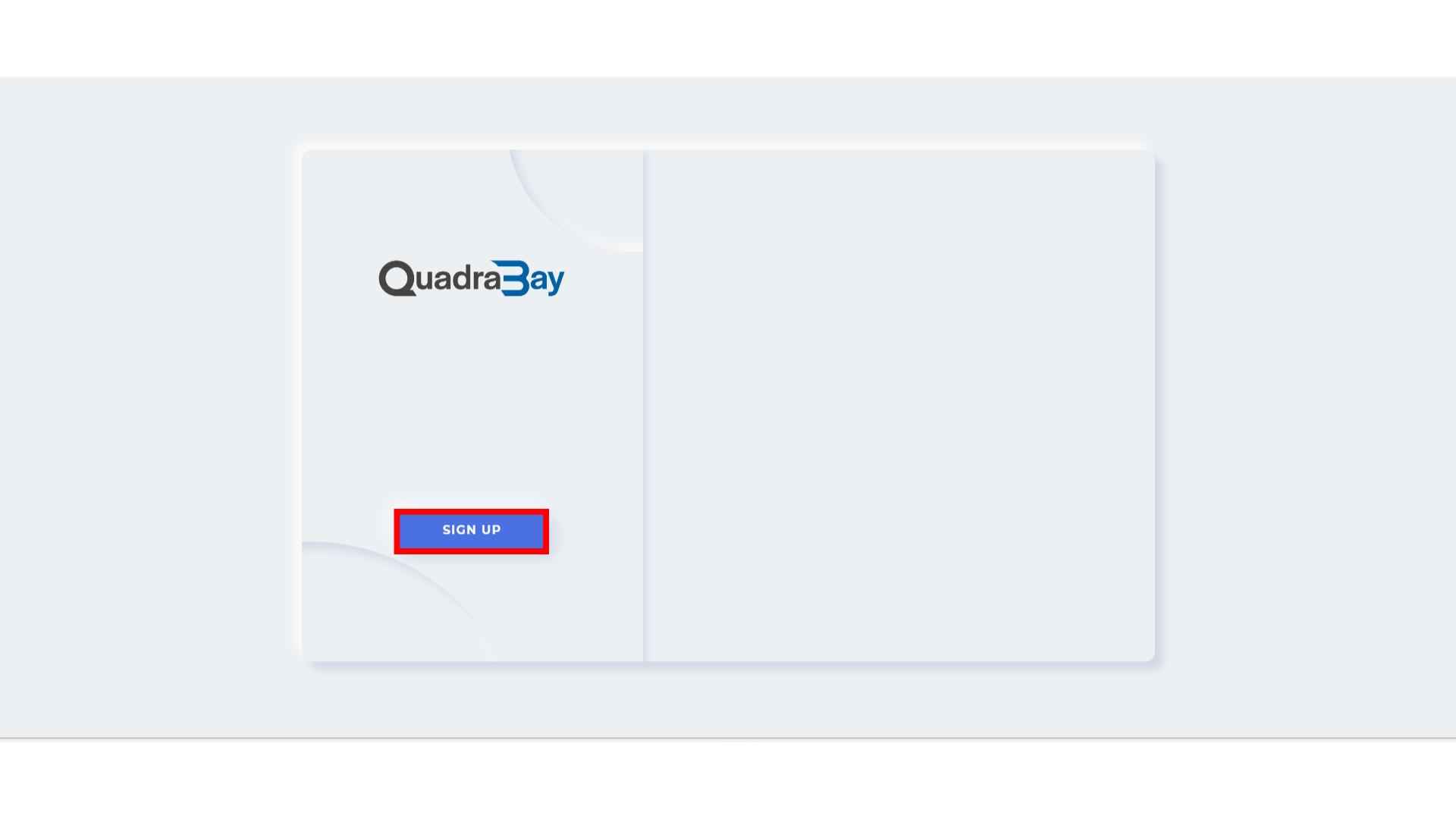
1.1 Once you are on the landing page of the dedicated candidate portal, select ‘Sign Up’.
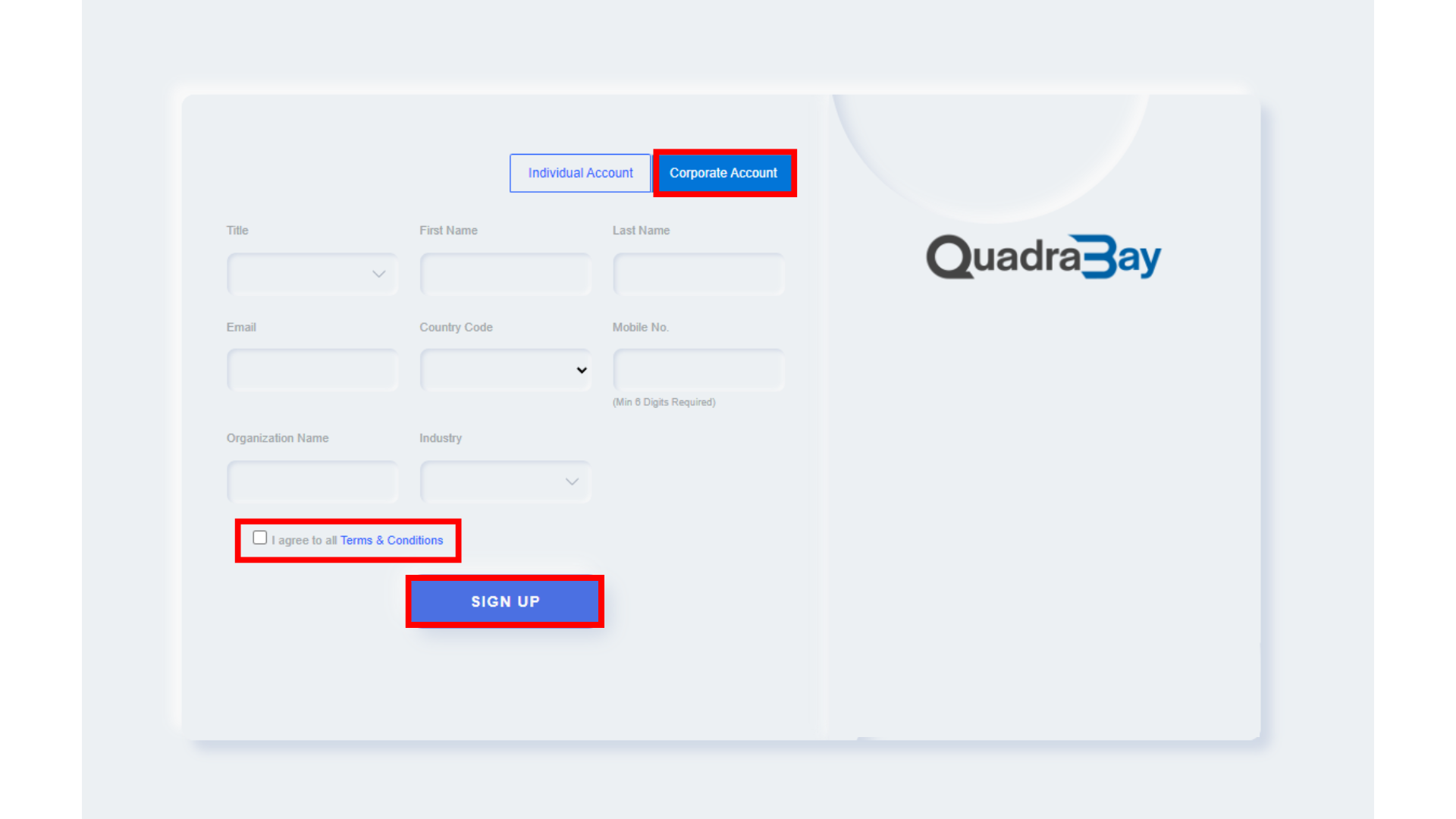
1.2 Select ‘Corporate Account’. Fill in all of the required fields, then agree to the terms and conditions and sign up.
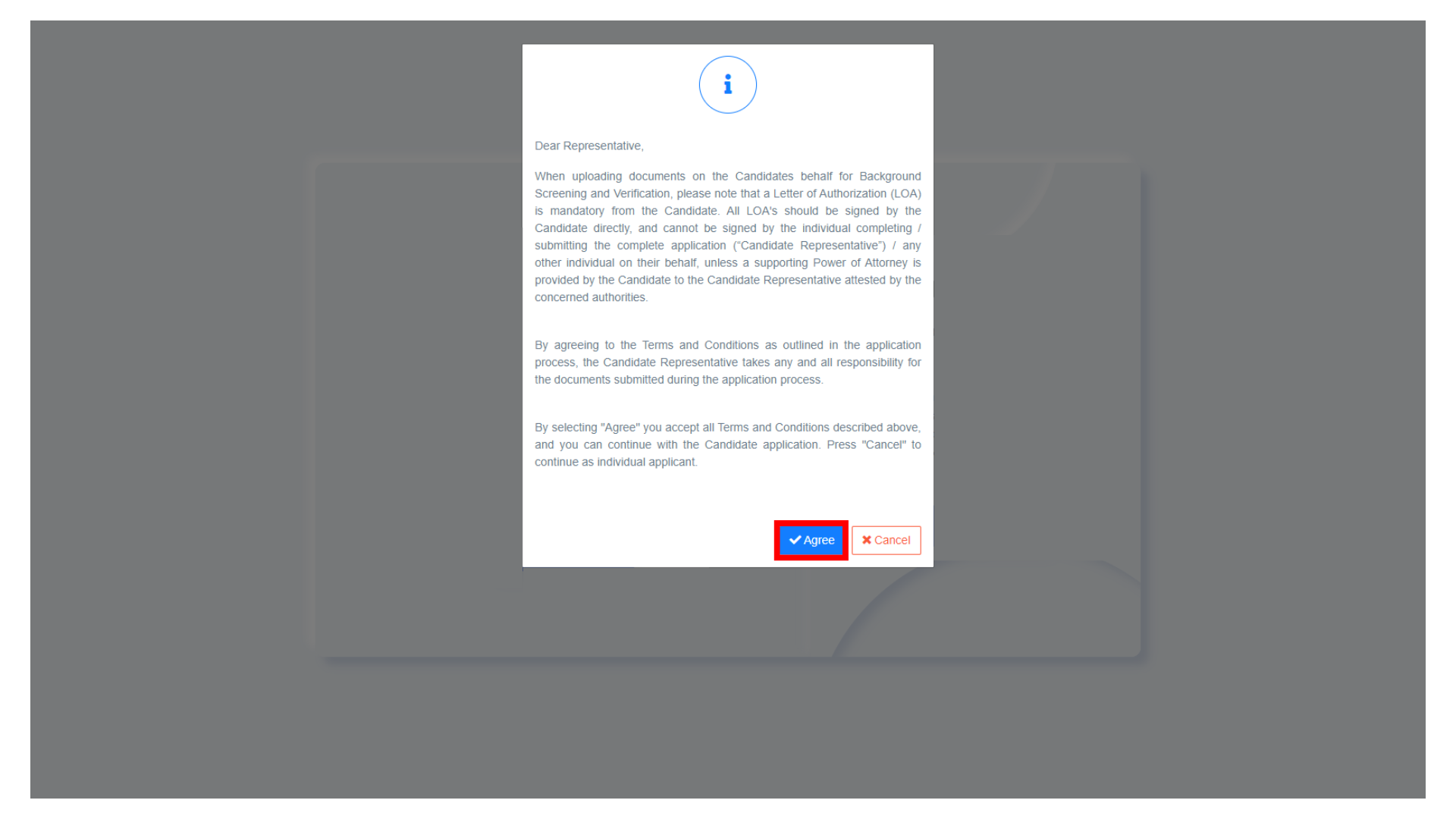
1.3 A pop will appear, read the terms and conditions carefully and click on ‘Agree’.
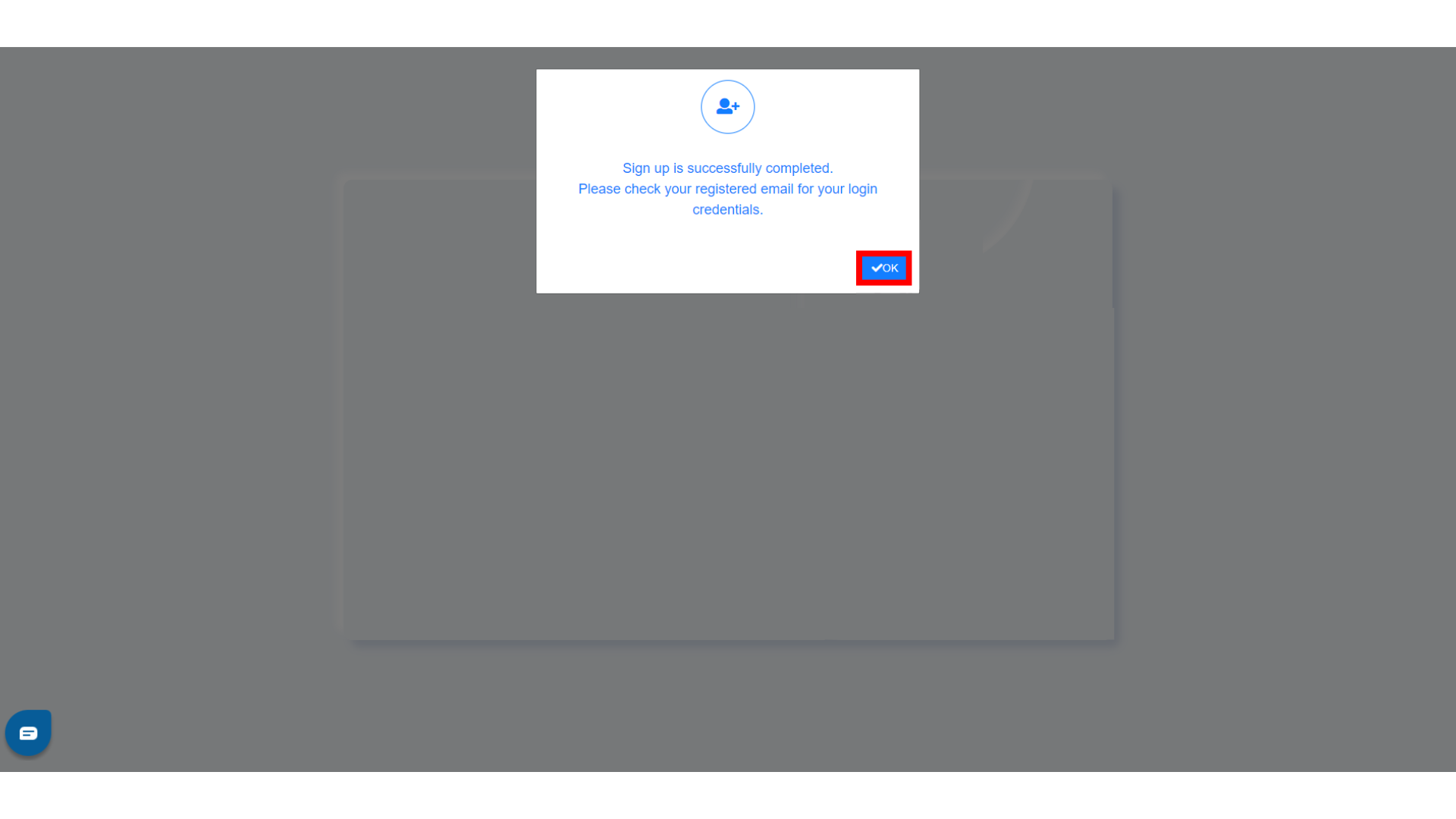
1.4 After signing up successfully, check your registered email address for your login credentials. Click on ‘OK’ to continue.
1.5 Then, an email containing a one-time password will be sent to you. Navigate back to the candidate portal after copying the one-time password.

1.6 Select the login option, enter your email address and log in using the one-time password you received. A prompt to change your password will appear.

Step 2: Application Details
2.1 To start a new application, click on ‘Start New Application’. To view all of your applications, click on ‘Go to my Application’.

2.2 Select the package that suits your requirements by clicking on the drop-down menu. Once completed, click on ‘Start Registration.’

2.3 Fill in your personal details and passport details. The fields highlighted with a red asterisk (*) need to be filled out since they are mandatory. The Letter of Authorization (LOA) can be signed digitally by choosing ‘Digital LOA’.

2.4 Read the details carefully and ensure that the information is accurate. Add your signature, save and close.

2.5 Once completed, add it to your application by selecting ‘Browse’.

2.6 The Letter of Authorization can also be downloaded by clicking on ‘Download Consent’.

2.7 After uploading the signed Letter of Authorization (LOA), click on ‘Save and Continue’.

Step 3: Education Details
3.1 Depending on the package you selected, you will be required to add your educational documents. Select the ‘Add’ option to add your education details.

3.2 Fill in all of the required fields and upload clear copies of your educational documents.

3.3 After completion, review your educational details and then proceed to the next step.

Step 4: Payment
4.1 After you have finished uploading all of the documents, the next step is making the payment.
You can tick the ‘Use Same Details as Personal Information’ option: The required fields of information will be filled up automatically once this option is enabled. Once completed, click on ‘Pay and Finish’.

4.2 Next, your payment summary will pop up. Carefully review it and then proceed to pay. Upon completion, a payment receipt will be sent to your registered email address.

Next Steps and Dashboard:
- You can view a list of your latest applications along with their reference numbers and statuses on the Dashboard. Additionally, you can also view a graph to see how your applications are progressing.

- Furthermore, you can see a detailed view of all applications you've submitted.
This will allow you to view the reference number, candidate name, client name, date and time of when the application was received and completed, status of the application and the final report.